See NUTty in Action
A beautiful, native Mac experience.
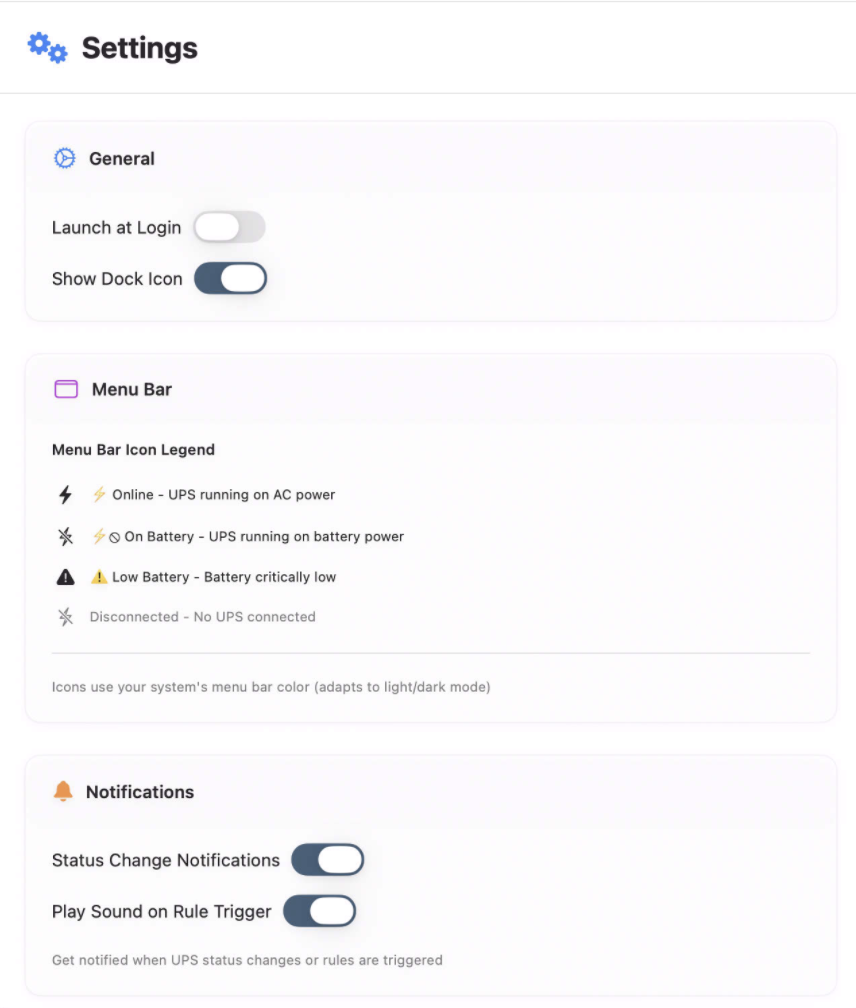
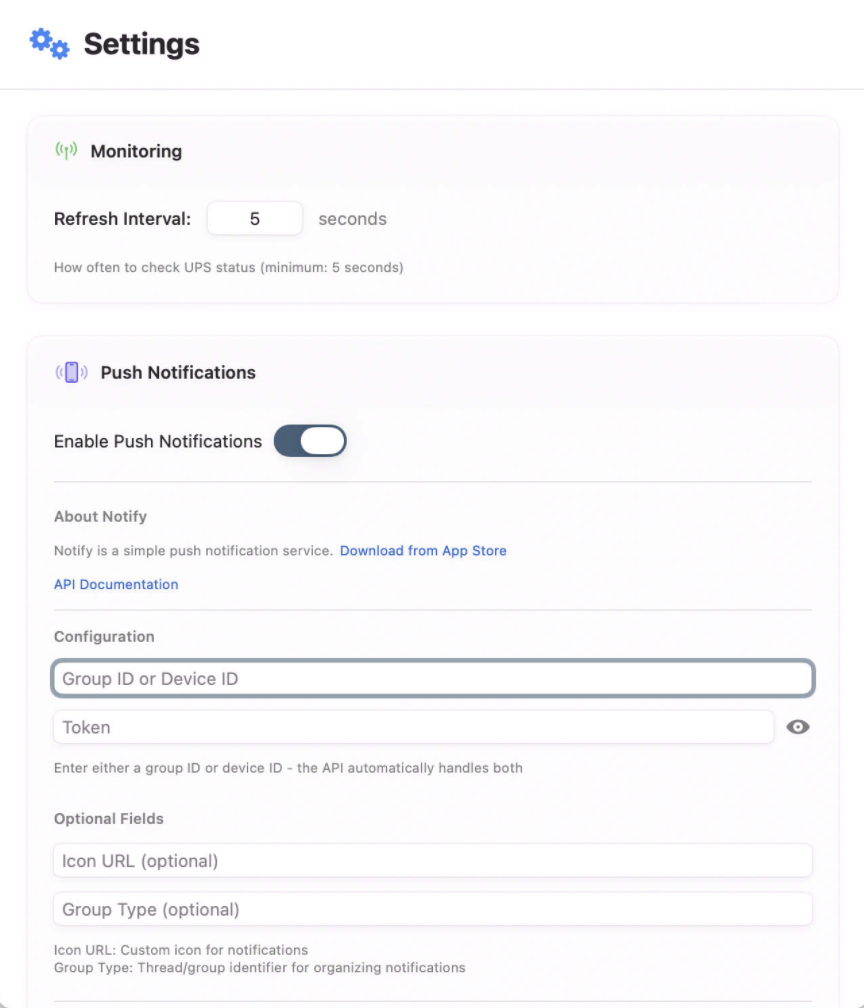
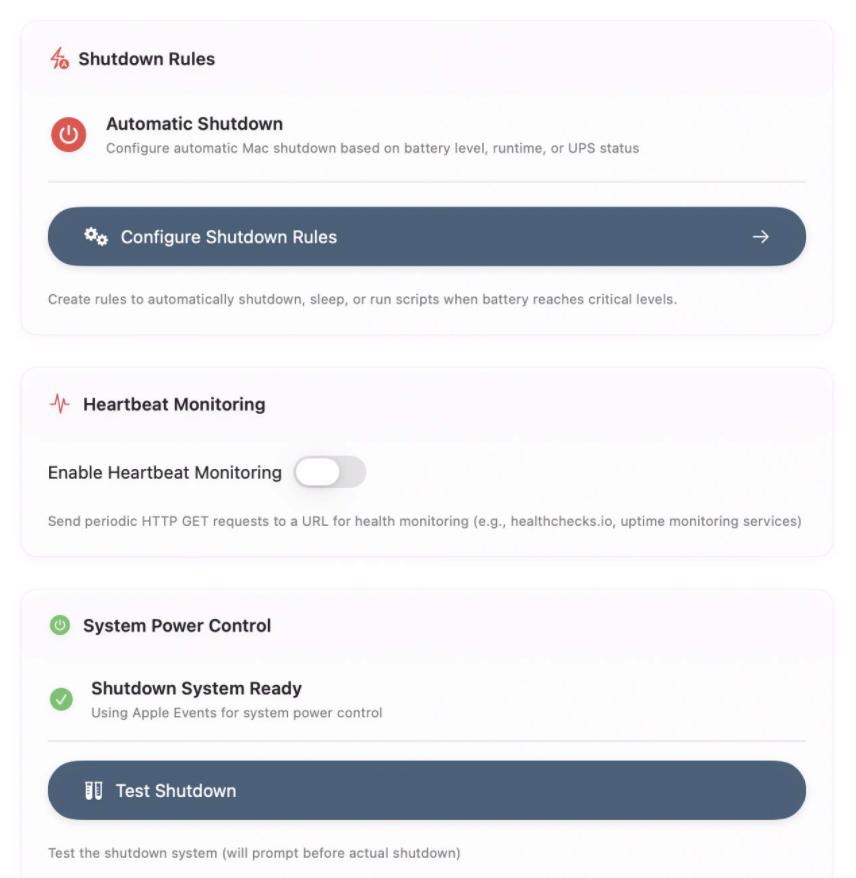
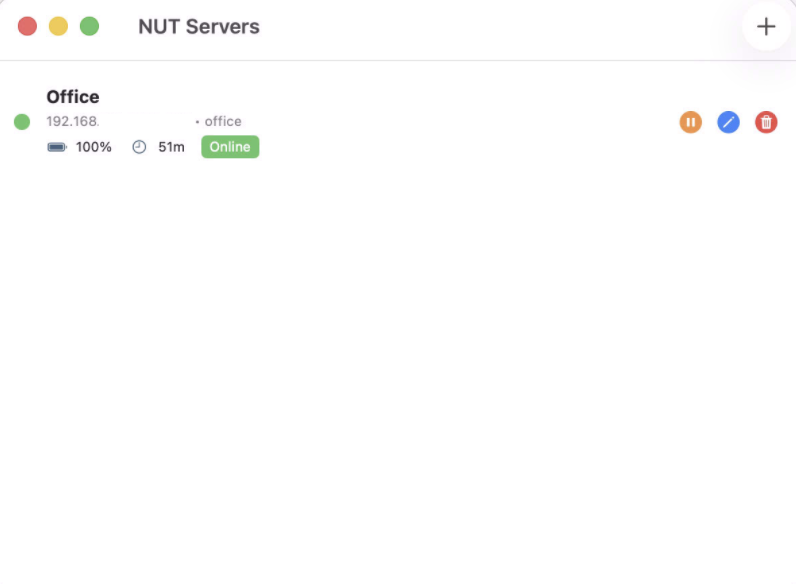
Protect your Mac from power-outage data corruption.
NUTty keeps watch over your UPS battery backup, so you don't have to.
Lives quietly in your menu bar, watching your UPS 24/7. You'll know instantly when power goes out.
When battery runs low, NUTty gracefully shuts down your Mac, preventing data corruption from unexpected power loss.
Get macOS notifications the moment power fails or is restored. Plus optional push notifications to your phone for remote monitoring.
Create custom shutdown rules based on battery level, runtime, or UPS status. Your Mac, your rules.
Monitor multiple UPS devices at once across your network. Each shows separately in the menu bar with full status details and customizable icon priority.
A native Mac app built with SwiftUI. Feels right at home on your Mac. No bloat, just what you need.
NUTty is designed for Network UPS devices that communicate over your local network using the NUT (Network UPS Tools) protocol.
This includes UPS devices like UniFi SmartPower, network-attached APC units, and other UPS systems running NUT servers on your network.
A beautiful, native Mac experience.
macOS 15.0 or later • Compatible with NUT (Network UPS Tools) servers
Setting up your UniFi UPS is easy. Follow these steps in the UniFi Network app:
Important: We strongly recommend setting a static IP address for your UPS unit to ensure NUTty can always find it on your network.
Important: When NUTty first launches, macOS will prompt you to allow Local Network access. You must allow this permission for NUTty to communicate with your UPS on your network.
If you accidentally denied this permission or need to enable it later:
Without this permission, NUTty cannot connect to your UPS and will not work.
NUTty works with any UPS that supports the NUT (Network UPS Tools) protocol. This includes popular brands like:
If your UPS connects to a NUT server, NUTty can monitor it.
Yes. NUTty supports monitoring multiple UPS devices simultaneously. Each UPS can have its own set of shutdown rules and notification preferences.
Multi-UPS Menu Bar Display: When monitoring multiple UPS devices, all connected units are displayed in the menu bar dropdown. Each UPS shows on its own line with complete status information including battery level, runtime, current status, and load percentage.
Preferred Icon Selection: You can choose which UPS device's status displays in the menu bar icon by selecting "Set as Menu Bar Icon" from the Servers submenu. This keeps your most important UPS front and center while still monitoring all devices.
NUTty integrates with Notify (available on the App Store) to send push notifications to your iPhone or iPad. You'll receive alerts when:
Simply configure your Notify API token in NUTty's settings to get started. Learn more about Notify.
No. If your Mac is asleep when a shutdown rule triggers, it will remain asleep. NUTty monitors your UPS while your Mac is awake. For critical protection, we recommend configuring your Mac's Energy Saver settings to prevent sleep, or using pmset to schedule wake times.
Yes. NUT server passwords are securely stored in macOS Keychain. Your credentials are encrypted and protected by macOS security infrastructure, never stored in plain text.